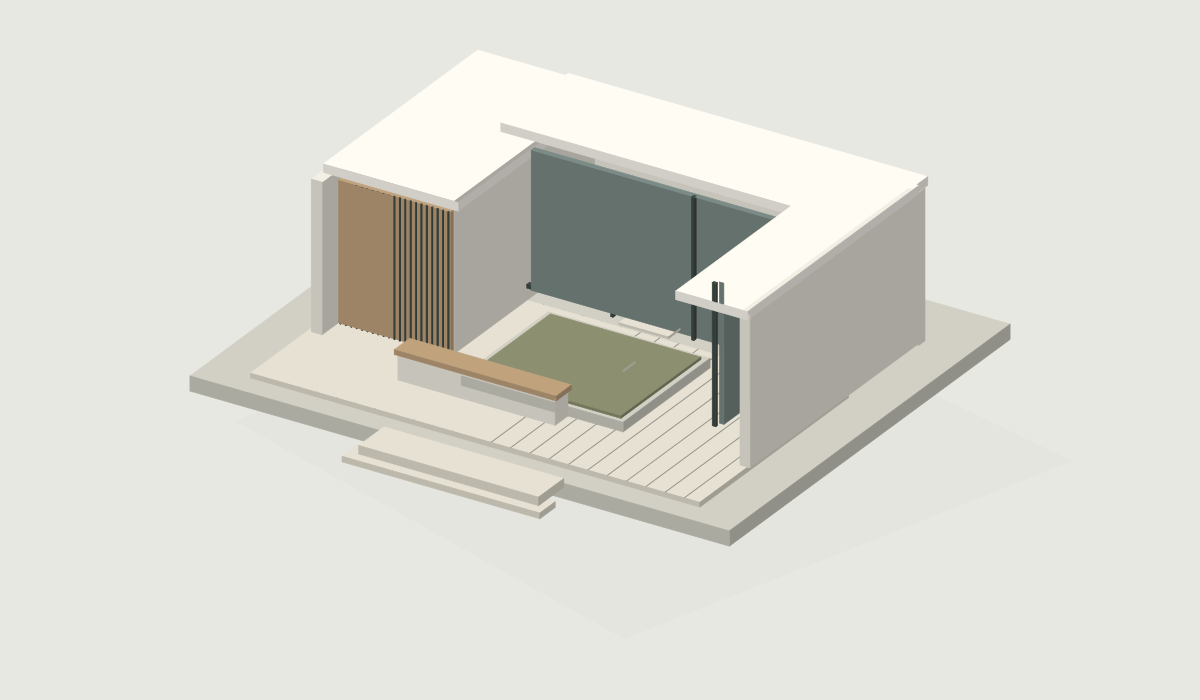
3D models
01Give every angle a closer look.
A considered space for your work
Present 3D models, images, videos, and PDFs in one project link. Give your clients the whole picture — and a clear place to leave feedback.
No client account needed. Just your project link.
01 / The complete picture
From the first concept to the final detail. Bring every part of your project together, in the format that tells it best.
Give every angle a closer look.
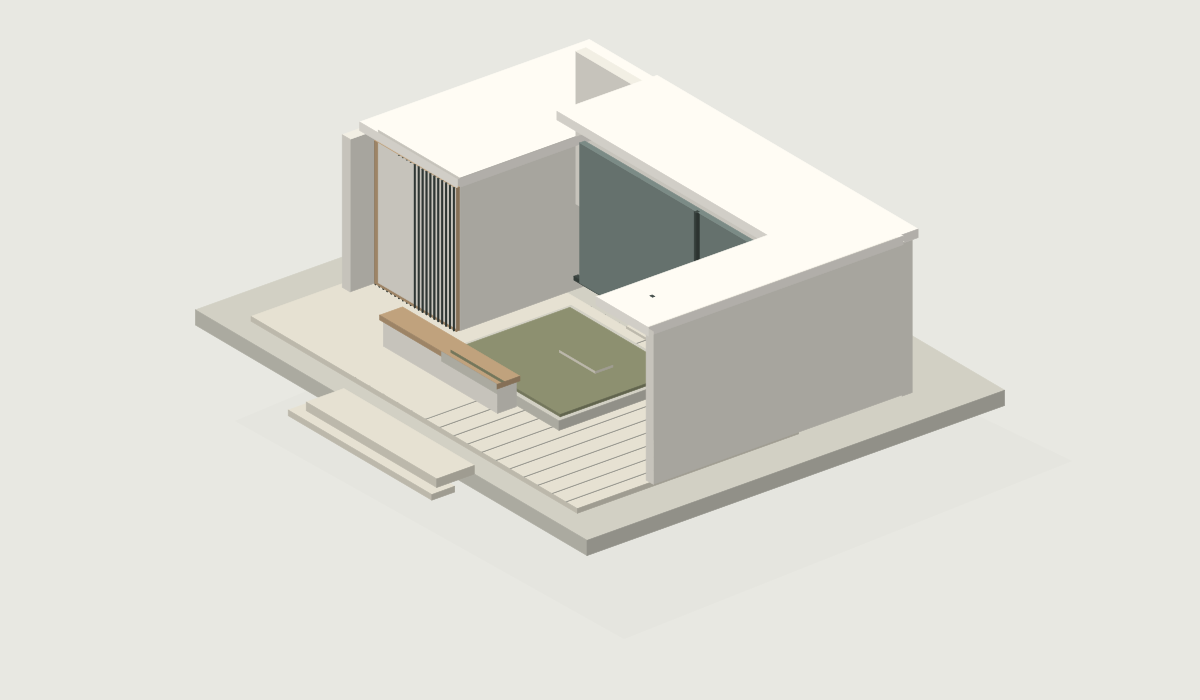
Put the details in focus.
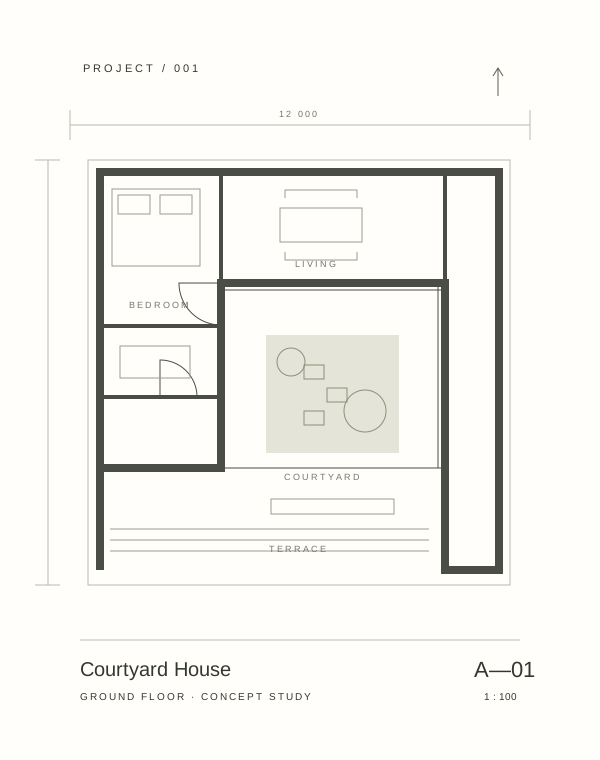
Keep the thinking with the work.
Sample preview
Let the project unfold.
02 / Made for the other side of the link
Send a project link that opens into a calm, focused gallery. Your client can browse the files, open a preview, and take a closer look — without creating an account.
01 One link for the whole project
02 Password protection when you need it
03 A clear view on any screen
A client's view / Sample project
03 / A place for the conversation
Keep a client's note attached to the file it belongs to. Review the feedback in your workspace, with the work right there beside it.
Enable or disable comments for each project.
A simpler way to present
Create a workspace, organize your projects, and upload the files you want your client to see.
Choose open or password-protected access. Send one project link, ready to explore.
Find client comments on the relevant assets and carry the conversation into your next revision.
Take a closer look
A presentation they can get their hands on. Rotate, zoom, and move around the model, right in the browser. Try it for yourself.
Drag to rotate · Scroll or pinch to zoom · Right-drag to move
Original Inteora sample projectYour work, open to a different perspective.
Start sharing in 3DA few things worth knowing
Workspaces stay private. Review links stay simple. Feedback stays with the work.
inteora is a design review platform for organizing client work. You can create workspaces, upload project assets, share review pages, and collect feedback in one place.
inteora is built for designers, studios, freelancers, 3D artists, agencies, and small teams that need a cleaner way to share work with clients.
You can upload project assets such as images, documents, videos, and 3D files. inteora keeps them organized inside project galleries.
No. Clients can open shared review pages without creating an account. Projects can be open access or password protected.
Yes. When comments are enabled for a project, clients can leave feedback directly on individual assets.
Yes. Client comments can be enabled or disabled per project.
Each project can have a client-facing review page. You can share the link with clients, and they can preview the assets based on the access settings you choose.
Yes. Projects can be shared as open access or protected with a password.
Every workspace includes 1 GB of storage by default. If a workspace needs more room, you can upgrade that workspace to a larger storage plan.
Yes. Storage plans are managed per workspace, so each client space or studio workspace can have the storage it needs.
Yes. You can manage storage and billing from the workspace settings.
Yes. File storage tools are general-purpose. inteora is focused on project review, client previews, asset-level comments, and keeping feedback connected to the work.
inteora is designed around private workspaces, authenticated dashboard access, and controlled client review links. You can also use password protection for shared projects.
Your next project deserves a better presentation
1 GB included in every workspace.
courtyard-house.gltf
Could we widen the opening to the courtyard?